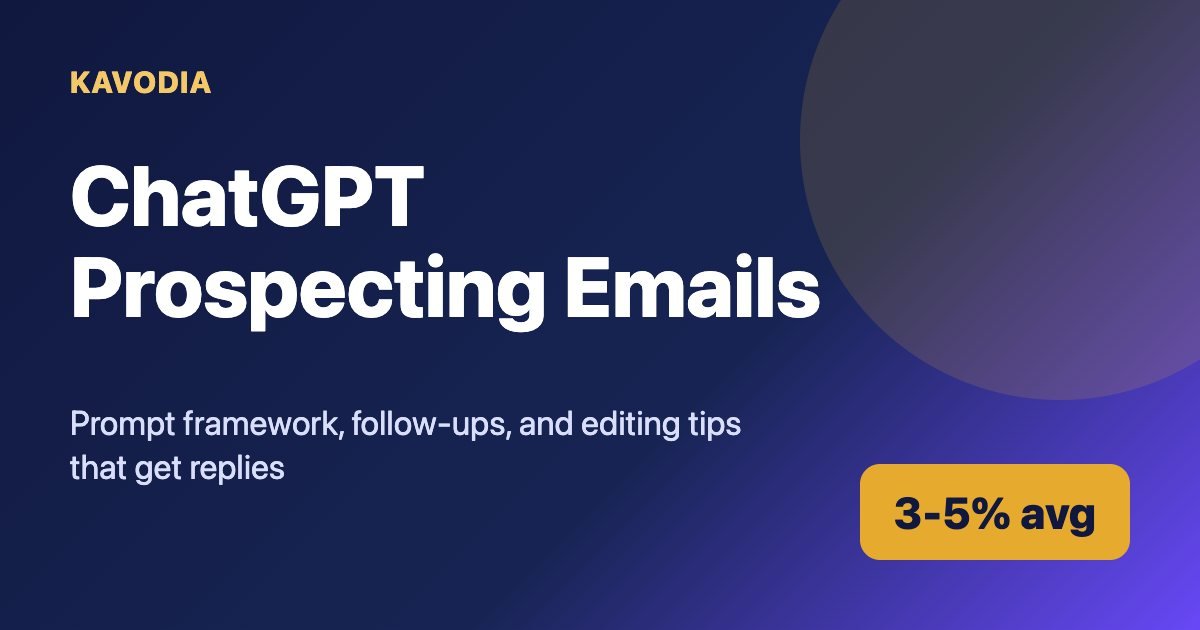
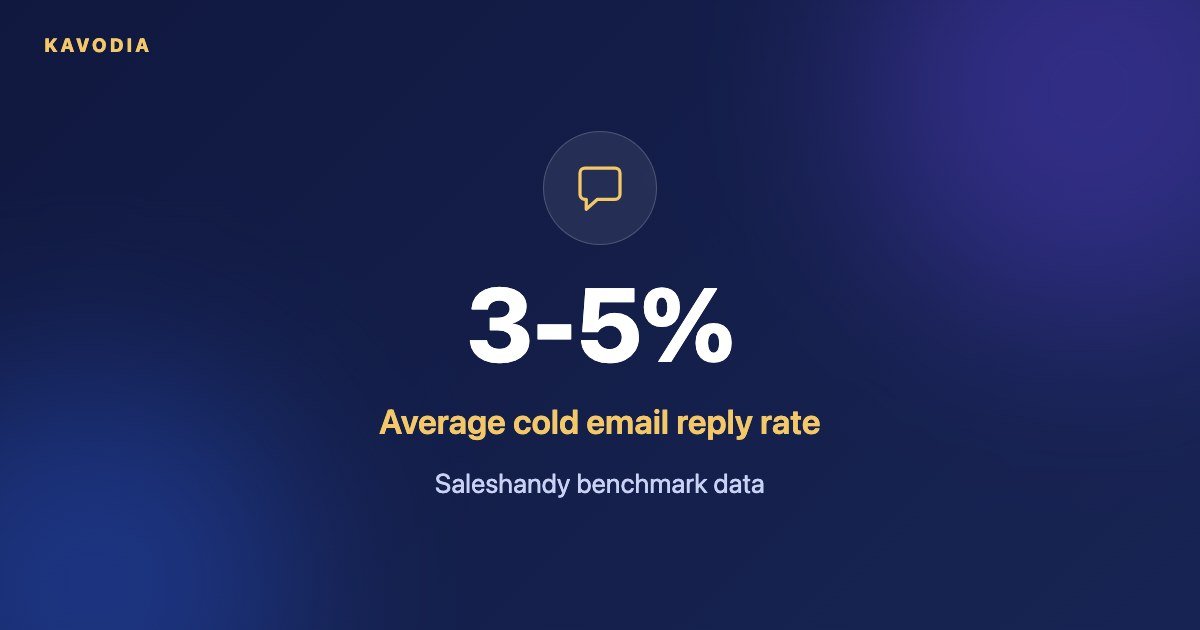
Most cold emails never get a response. According to Saleshandy's benchmark data, the average cold email reply rate sits between 3 and 5 percent. Top performers reach 10 to 15 percent. The gap between average and top is not luck. It comes down to how you write your message and how well you use the tools available.
ChatGPT can help you draft prospecting emails faster. But a lazy prompt gives you a generic email that sounds robotic. A structured prompt gives you a message that reads like one professional writing to another. This guide covers the full process, from building your prompt to editing the output before you hit send.
Why do most prospecting emails fail?
Most prospecting emails fail because they focus on the sender, not the reader. They open with "I hope this email finds you well" and list features nobody asked about. The reader scans the first line, sees nothing relevant, and deletes the message.
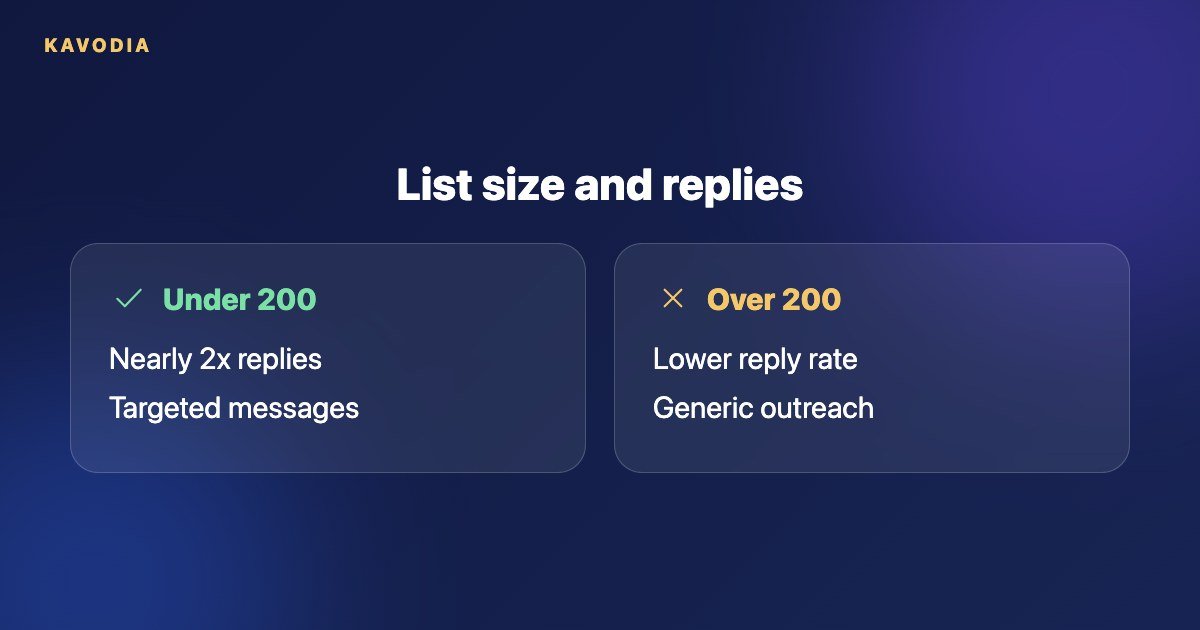
According to Saleshandy's cold email statistics, sequences with fewer than 200 prospects generate nearly twice the replies of larger lists. Smaller lists allow tighter targeting and more relevant messaging. When you write a generic email and blast it to thousands of contacts, your reply rate drops below the average.
I recommend starting every campaign by defining who you are writing to and why they should care. A clear audience makes the rest of the process faster and the results stronger.
What makes a prospecting email worth reading?
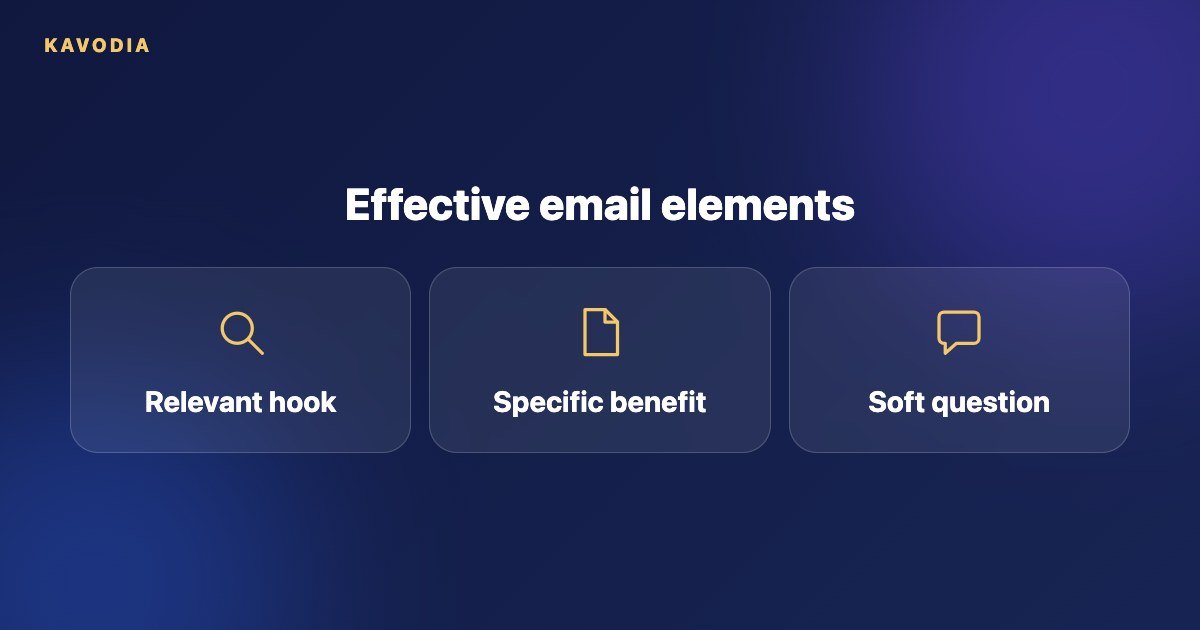
A prospecting email worth reading does three things in under 100 words. It connects to something the reader cares about. It offers a specific benefit backed by evidence. It ends with a question that takes five seconds to answer.
Imagine you sell a scheduling tool. Instead of listing ten features, you mention that a company similar to the reader's cut no-show rates by 30 percent. You then ask if missed appointments are a problem for them. That kind of email earns a reply because it focuses on their situation.
The OpenAI prompt engineering guide recommends writing clear instructions with specific constraints. The same principle applies to your email. A vague message gets a vague result, whether the writer is a human or an AI.
How do you build a prompt framework for ChatGPT?
A prompt framework is a reusable template you give ChatGPT before asking it to write an email. It sets the tone, the audience, and the rules. Without it, you have to re-explain everything each time.
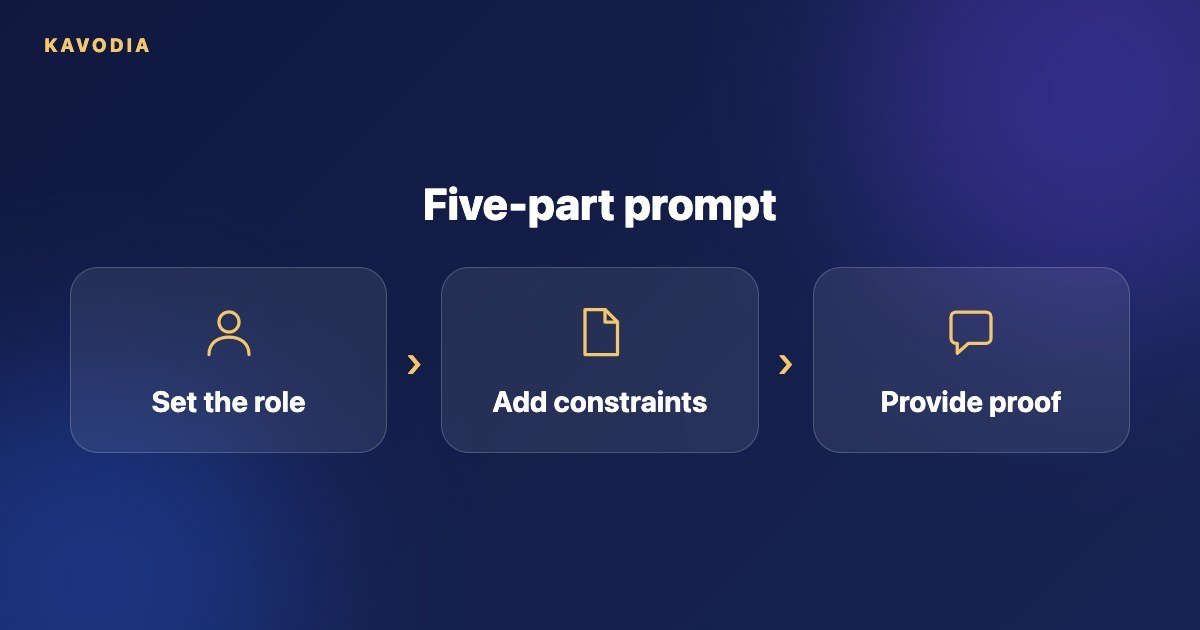
Your framework should include five parts. First, define the role: tell ChatGPT to act as a B2B cold email copywriter. Second, describe your product in one sentence. Third, set constraints such as word count under 100 words, no buzzwords, no exclamation points. Fourth, provide a proof point or case study result. Fifth, add a negative rule list. Ban phrases like "I hope this finds you well" and "I wanted to reach out" from every draft.
I find this structure saves time on every email after the first one. You paste the framework once and then swap in prospect details for each new contact.
What information should you feed ChatGPT about each prospect?
ChatGPT cannot browse a prospect's LinkedIn profile or read their company news unless you paste that data into the prompt. The more specific your input, the more personalized the output.
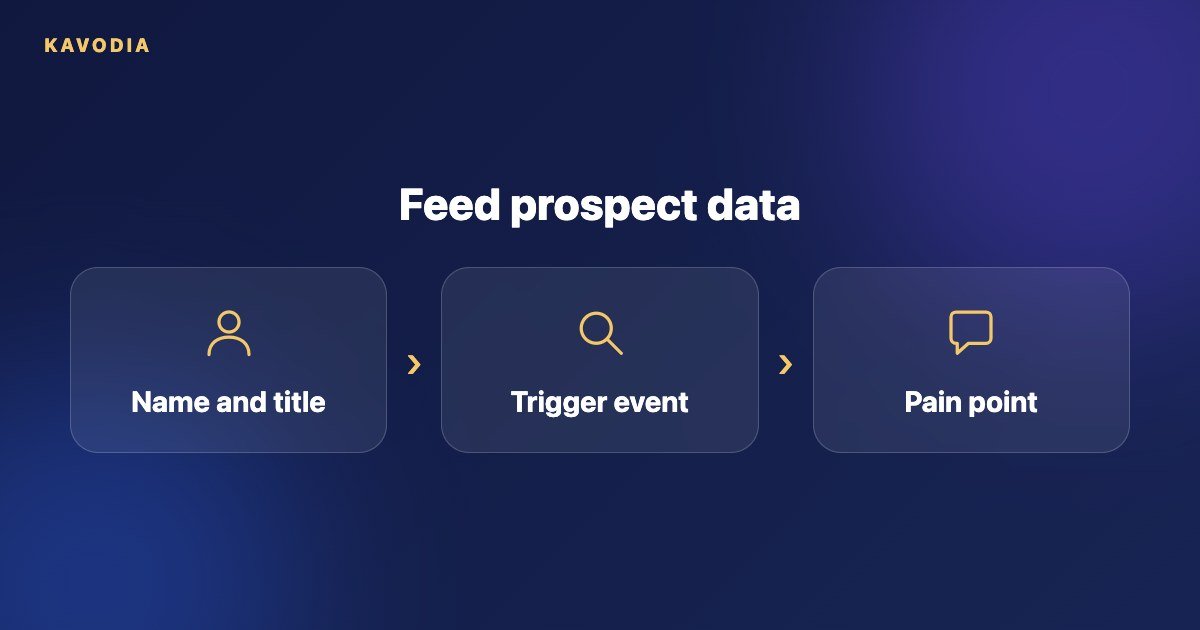
For each prospect, provide the person's name, title, and company. Add one or two sentences about a recent trigger event, such as a new hire, a product launch, or a funding round. Mention the core pain point your product addresses for their situation.
Imagine you target a VP of Marketing at a SaaS company that just raised a Series B round. You paste that detail into the prompt. ChatGPT can then reference the funding round in the opening line instead of writing a generic greeting.
How should you structure the first email in a sequence?
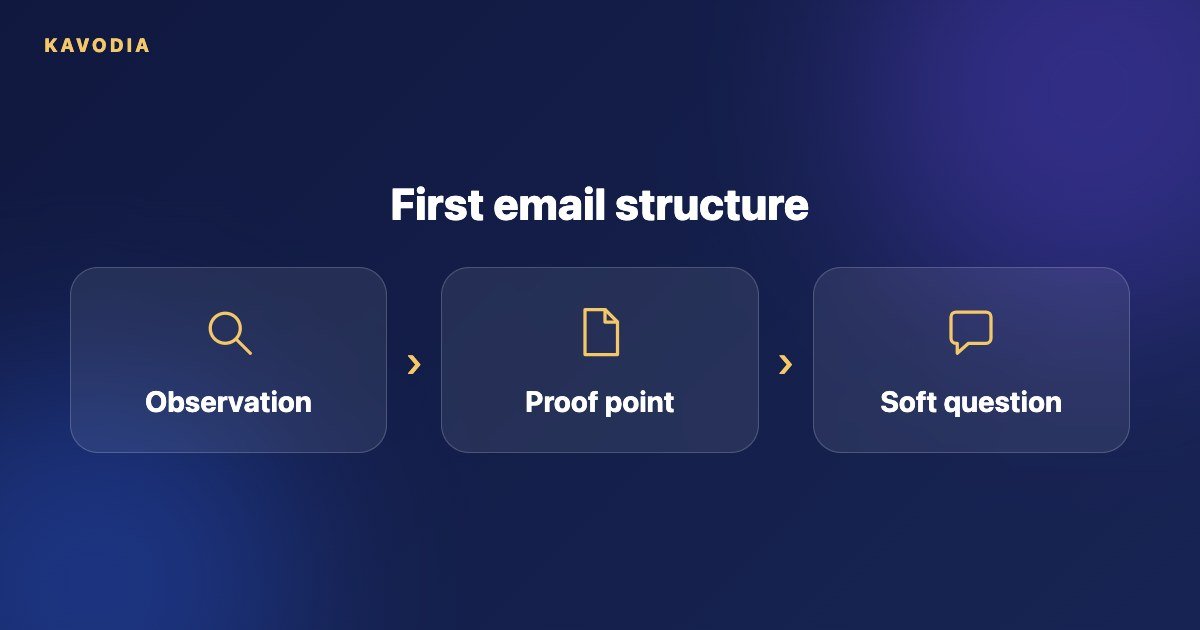
The first email has one job: earn a reply. It should not try to book a meeting, close a deal, or explain your full product. Keep it under 100 words and follow a simple structure.
Start with a relevant observation about the prospect or their company. Move into one sentence about the problem you solve. Add a brief proof point. End with a low-friction question. Examples include "Worth a quick look" or "Is this a priority for your team right now."
The OpenAI prompt engineering guide recommends clear instructions with specific constraints. That principle applies to email prompts too. Apply the same logic to your email prompt: the tighter your instructions to ChatGPT, the closer the draft is to what you actually want to send.
How do you write follow-up emails with ChatGPT?
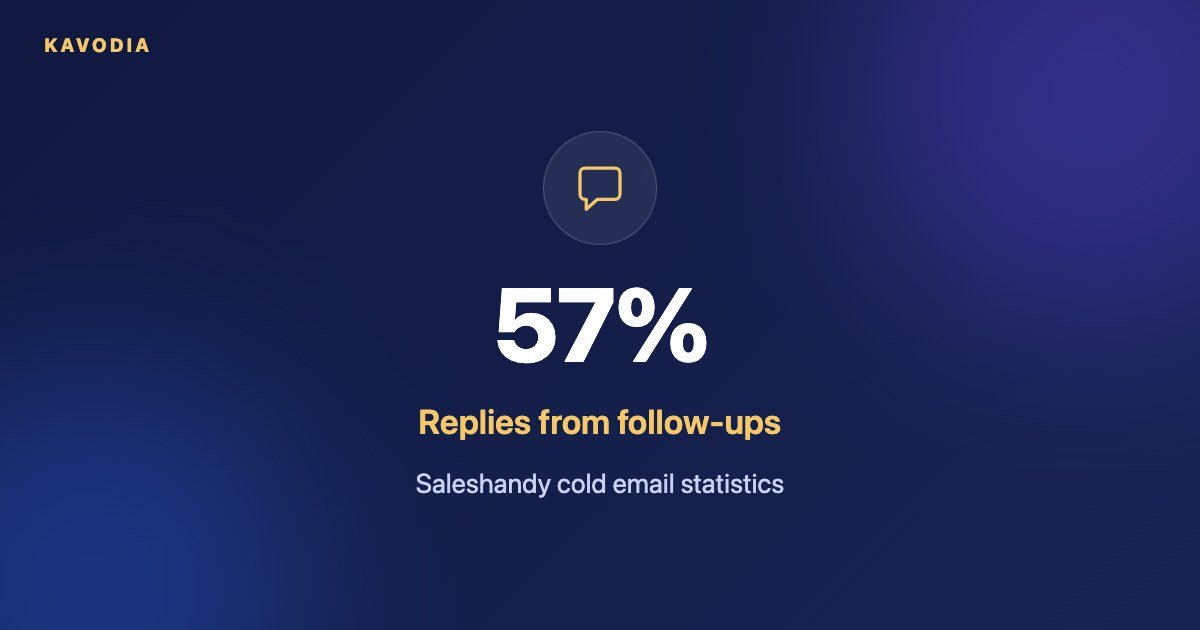
According to Saleshandy's cold email statistics, 57 percent of all replies come from follow-up emails. Skipping follow-ups means leaving more than half of your potential responses on the table.
A three-email sequence works well for most campaigns. The first email introduces the value. The second, sent three to four days later, shares a related insight or a micro case study. The third is a short "break-up" email that acknowledges the prospect is busy and closes the loop politely.
I suggest creating a separate prompt for each step. For the follow-up, tell ChatGPT to write under 50 words and to avoid repeating the first email. For the break-up, ask for three sentences that remove all pressure.
Why does editing AI output matter more than the prompt?
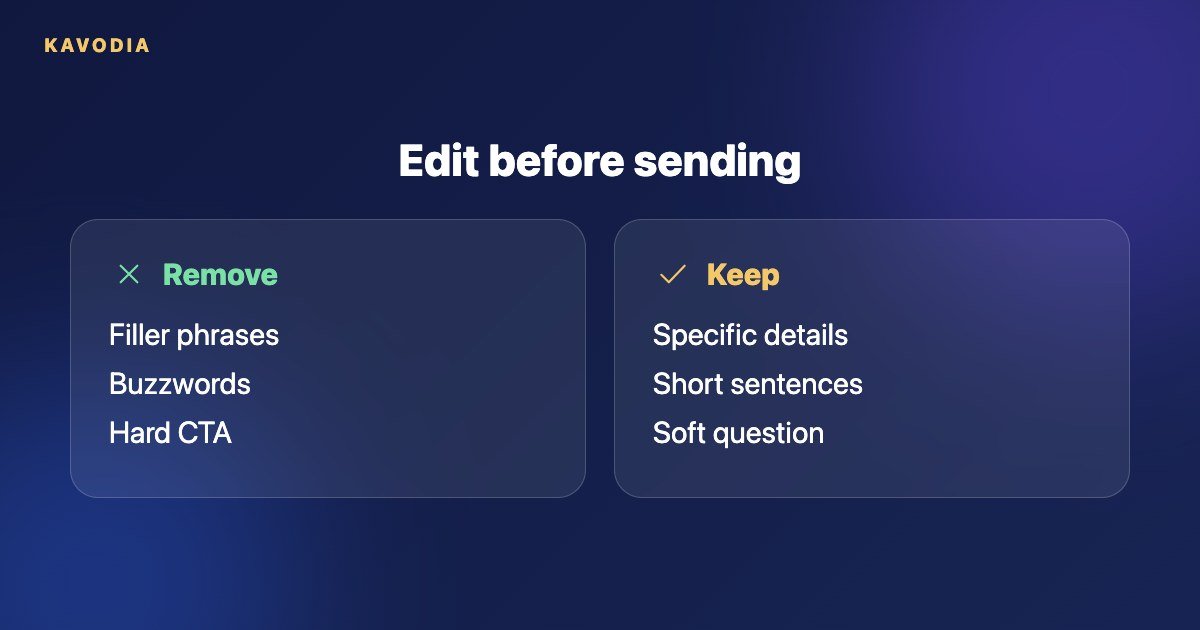
ChatGPT writes fast but it does not write like you. AI-generated emails often include filler phrases, corporate jargon, and calls to action that are too aggressive. If you send the draft without editing, the reader can tell it was written by a machine.
Check for common AI giveaways. Remove corporate buzzwords and vague filler words. Cut any opening sentence that starts with a polite pleasantry. Make sure the call to action is a soft question, not a calendar link.
I always read the email out loud before sending. If a sentence sounds awkward spoken, it will sound awkward in the inbox. Spend 60 seconds on a final pass. That small effort separates your email from the hundreds of unedited AI drafts your prospect receives every week.
What role does list size play in reply rates?
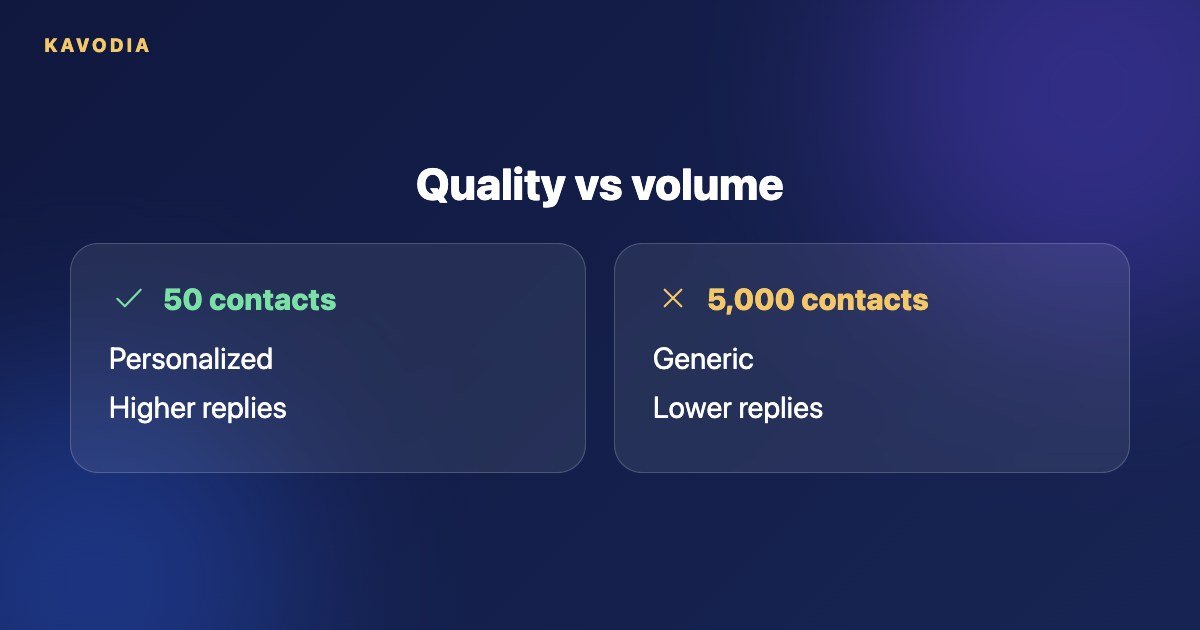
List size has a direct impact on results. Saleshandy's data shows that sequences targeting fewer than 200 contacts generate nearly twice the reply rate of larger blasts. Smaller lists let you research each prospect, tailor the message, and follow up with context.
Imagine you run a consulting firm and you want to reach CFOs in the manufacturing sector. A list of 50 hand-picked contacts with personalized opening lines will outperform a list of 5,000 generic emails every time. The math favors quality over volume.
When you combine a small, focused list with ChatGPT's speed, you get personalized emails at scale without sacrificing relevance. That is the sweet spot for prospecting campaigns.
How do you measure whether your campaign is working?
A reply rate between 5 and 10 percent is solid for a cold email campaign, according to Saleshandy's benchmarks. Above 10 percent means your targeting and messaging are strong. Below 3 percent signals a problem with your list, your offer, or your copy.
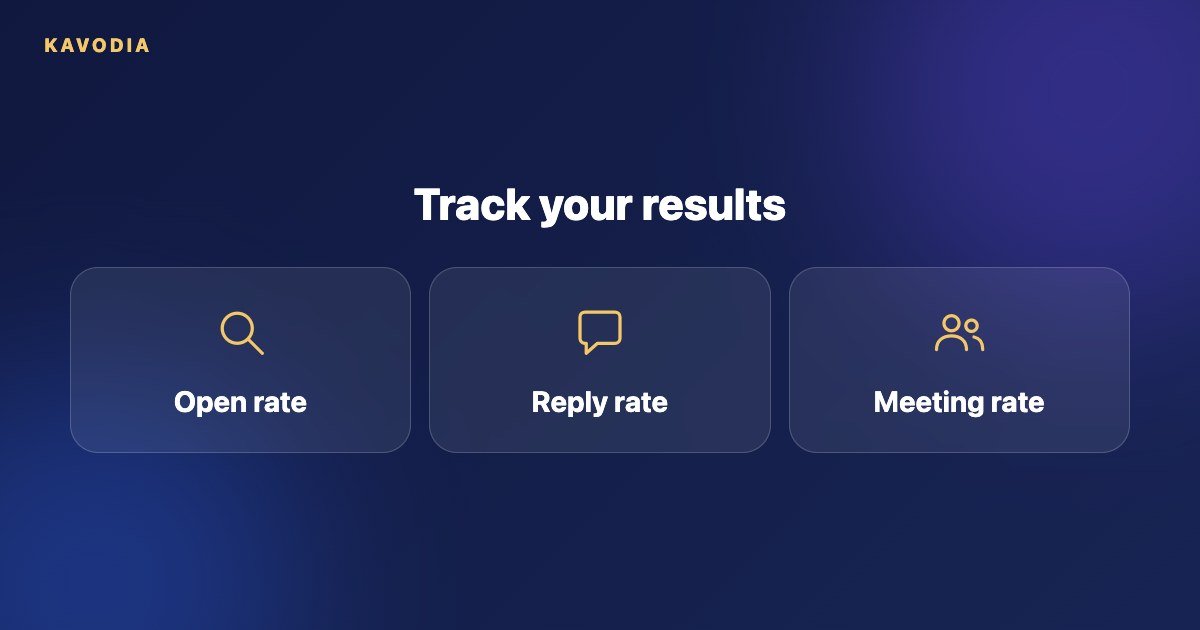
Track three numbers: open rate, reply rate, and meeting rate. According to Saleshandy, a realistic target is two to three meetings per 100 contacts. If you fall short, change one element at a time. Test a new subject line first. Then test a different opening line. Then adjust the call to action.
I recommend reviewing results weekly and updating your ChatGPT prompt framework based on what works. Save the versions that produce the best replies and retire the ones that underperform.
How can you use ChatGPT Custom Instructions to save time?
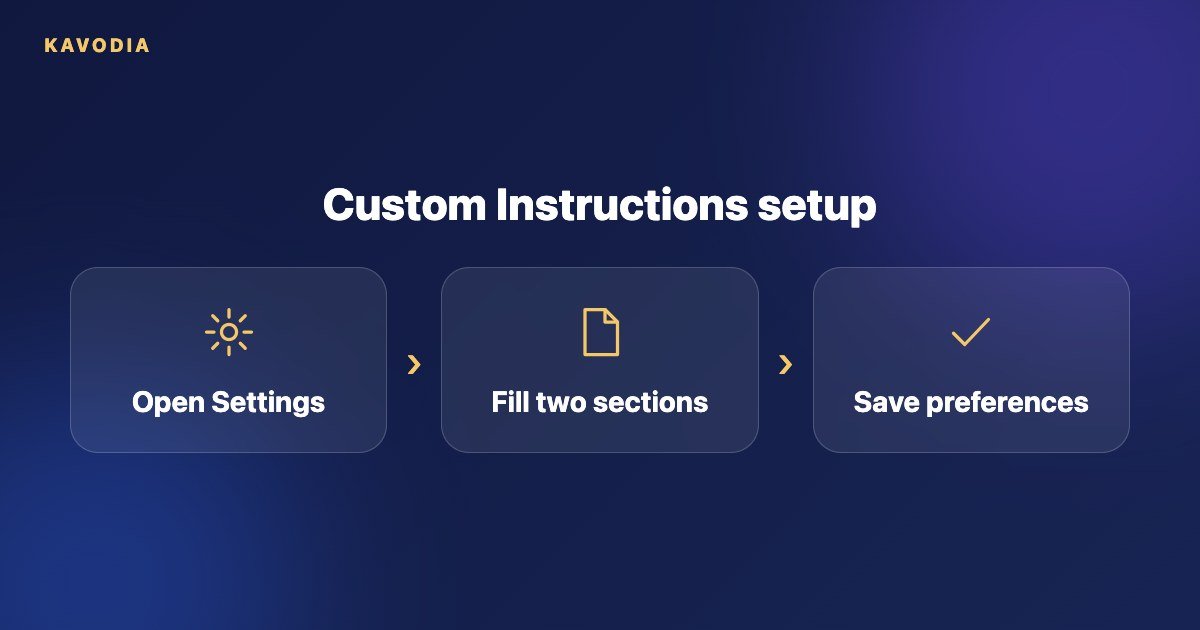
ChatGPT offers a feature called Custom Instructions that lets you save preferences so the model remembers them across conversations. You find it in Settings under Personalization.
You get two sections to fill in. The first tells ChatGPT about you: your role, your industry, your goals. The second sets rules for how it should respond: tone, length, format. For prospecting emails, set a rule like "Under 100 words, soft question at the end." The preferences stay saved, so you skip the setup each time. Imagine running 20 prospecting sessions per week. Custom Instructions mean each session starts ready to go.
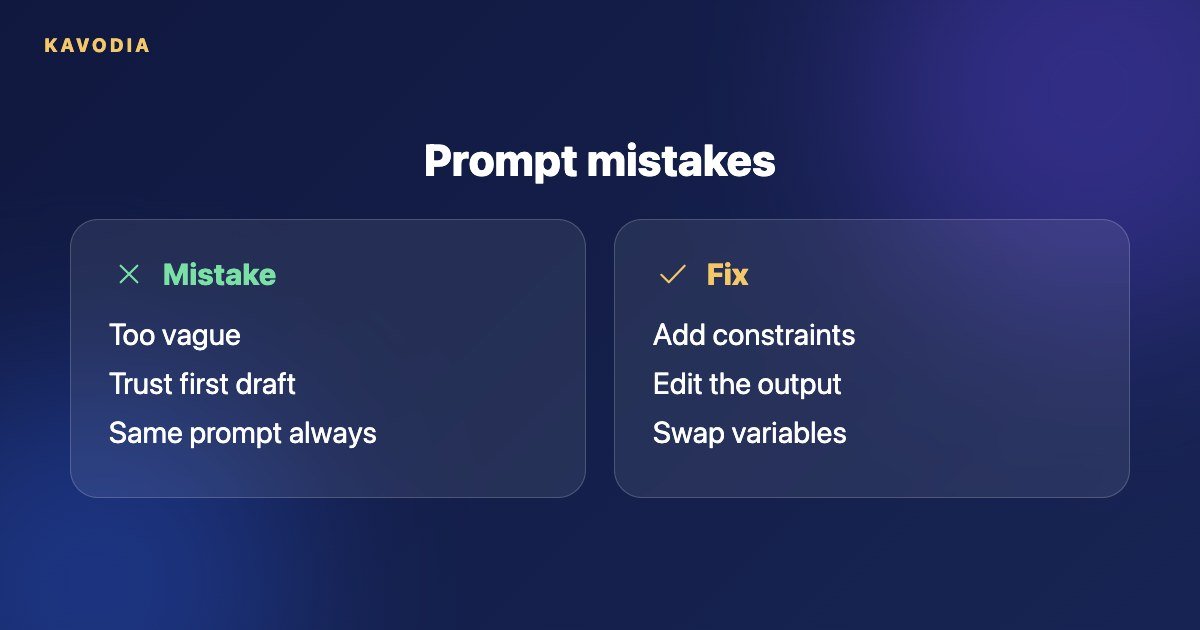
What prompt mistakes should you avoid?
The most common mistake is being too vague. A prompt like "Write a cold email to a marketing director" gives ChatGPT no constraints. The output will be long, generic, and filled with clichés.
The second mistake is trusting the first draft. ChatGPT generates text that is grammatically correct but not always strategically sound. You need to check every claim, trim filler words, and adjust the tone.
The third mistake is using the same prompt for every prospect. Even with a framework, you should swap in fresh trigger events and pain points for each contact. Reusing the same variables leads to emails that feel mass-produced.
I suggest keeping a short checklist next to your prompt template. Before sending, confirm that the email is under 100 words, mentions something specific about the prospect, and ends with a soft question.
How do you handle replies and next steps?
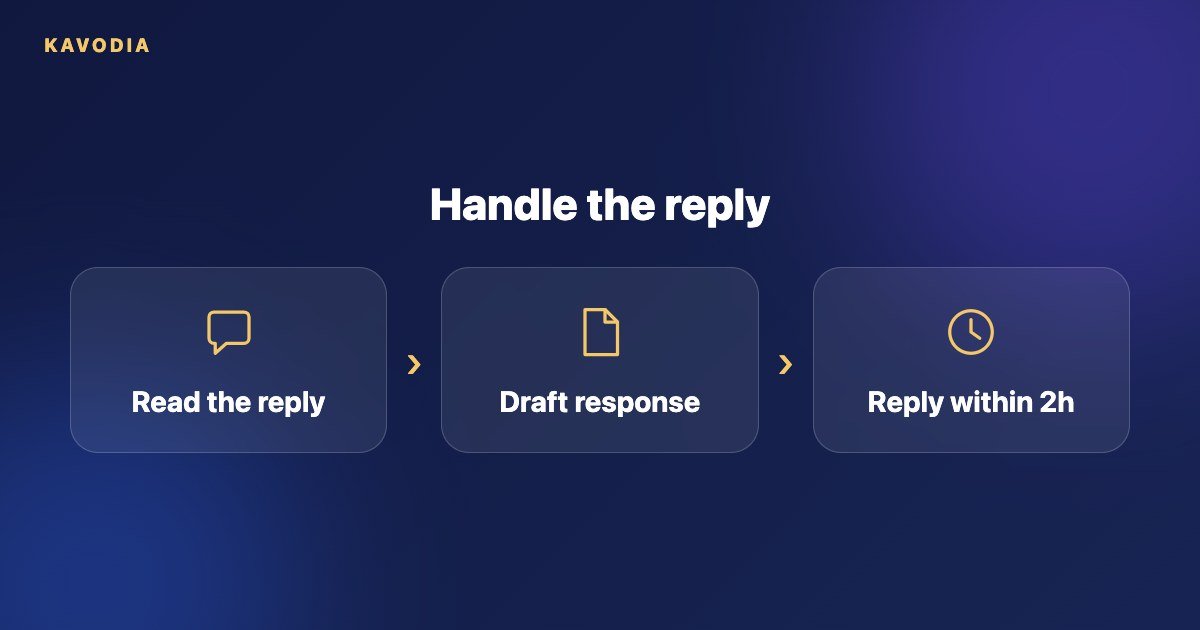
Getting a reply is only the beginning. Your response should arrive within two hours if possible. Keep the same tone: short, direct, and focused on the prospect's needs.
If the reply is positive, propose a specific time for a call. If it is neutral or asks a question, answer it directly and then suggest a next step. If it is negative, thank them and move on. Do not argue or send a long pitch.
You can use ChatGPT to draft your follow-up reply as well. Paste the prospect's response into the chat and ask for a concise answer that addresses their question and proposes a 15-minute call. I find this approach keeps the conversation moving without overthinking each response.
FAQ
Can ChatGPT write a complete cold email campaign?
ChatGPT can draft every email in a multi-step sequence, from the initial outreach to the break-up message. You still need to provide prospect data, review the output, and personalize the opening lines. The tool handles the structure; you handle the strategy and the final edit.
How many follow-up emails should I send?
Three emails work well for most campaigns. The first introduces your value, the second shares proof or an insight three to four days later, and the third politely closes the loop. According to Saleshandy, 57 percent of all replies come from follow-up emails, so skipping them costs you results.
Is it safe to use ChatGPT for business emails?
Yes, as long as you do not paste confidential data into the prompt without checking your organization's AI usage policy. Use general descriptions rather than sensitive client information. Review every draft before sending to make sure it meets your compliance standards.
What is a good cold email reply rate?
A reply rate between 5 and 10 percent is considered solid, according to Saleshandy's benchmark data. Top-performing campaigns reach 10 to 15 percent. The average across all campaigns sits between 3 and 5 percent.
Does ChatGPT replace a human copywriter for prospecting?
ChatGPT speeds up the drafting process but does not replace human judgment. You need to verify every claim, adjust the tone to match your brand, and personalize the opening line. The best results come from using ChatGPT as a first-draft tool and adding your own expertise on top.