AI companies crawl your website to train their models. You can stop them without losing a single Google ranking. The key is to target only AI training bots and leave search engine crawlers untouched. This guide walks you through every step, from understanding which bots do what to copying a production-ready robots.txt file.
Why Are AI Bots Crawling Your Website?
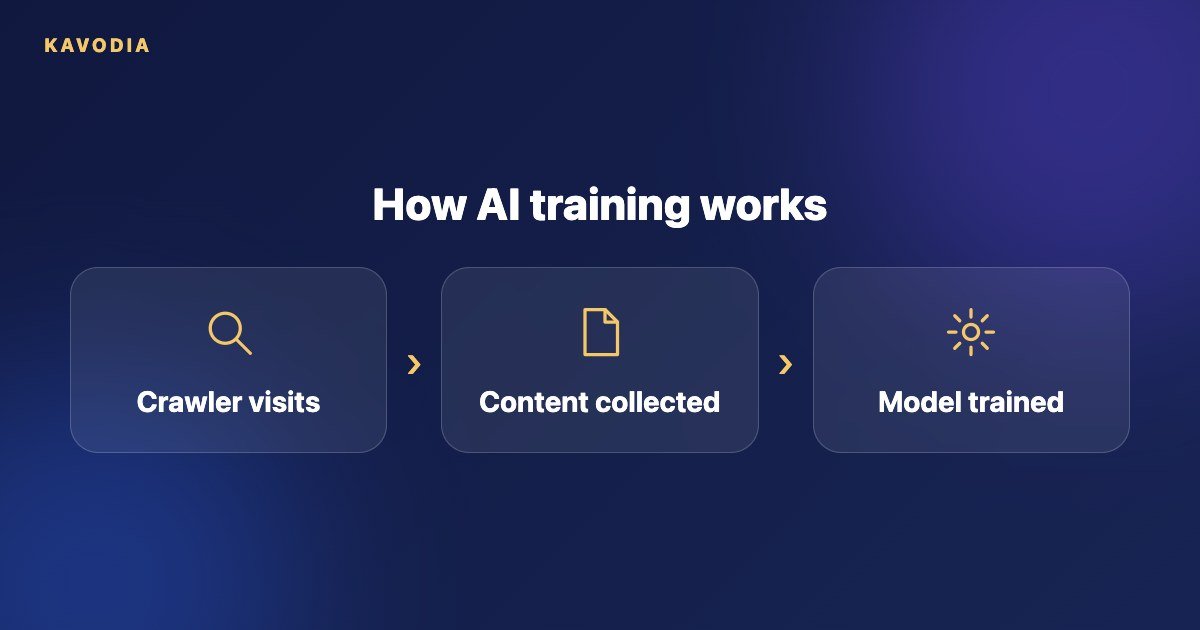
Large language models need massive amounts of text to learn. Companies like OpenAI, Anthropic, Google, and Meta send automated crawlers across the web to collect that text. According to OpenAI's official documentation, GPTBot gathers publicly accessible web content to train generative AI foundation models. Google uses a separate product token called Google-Extended for training Gemini models.
These crawlers work silently. Most site owners never notice them in their server logs. Yet every page they read can end up shaping a future AI model. If you run a business blog, an online store, or a news site, the content you spent weeks writing may feed a competitor's AI assistant.
Imagine you run a cooking blog with 500 original recipes. Without any robots.txt rule, GPTBot and ClaudeBot can read every recipe and feed it into a model. Your words then appear, rephrased, inside a chatbot answer, and nobody visits your site.
Does Blocking AI Bots Hurt Your Google Ranking?
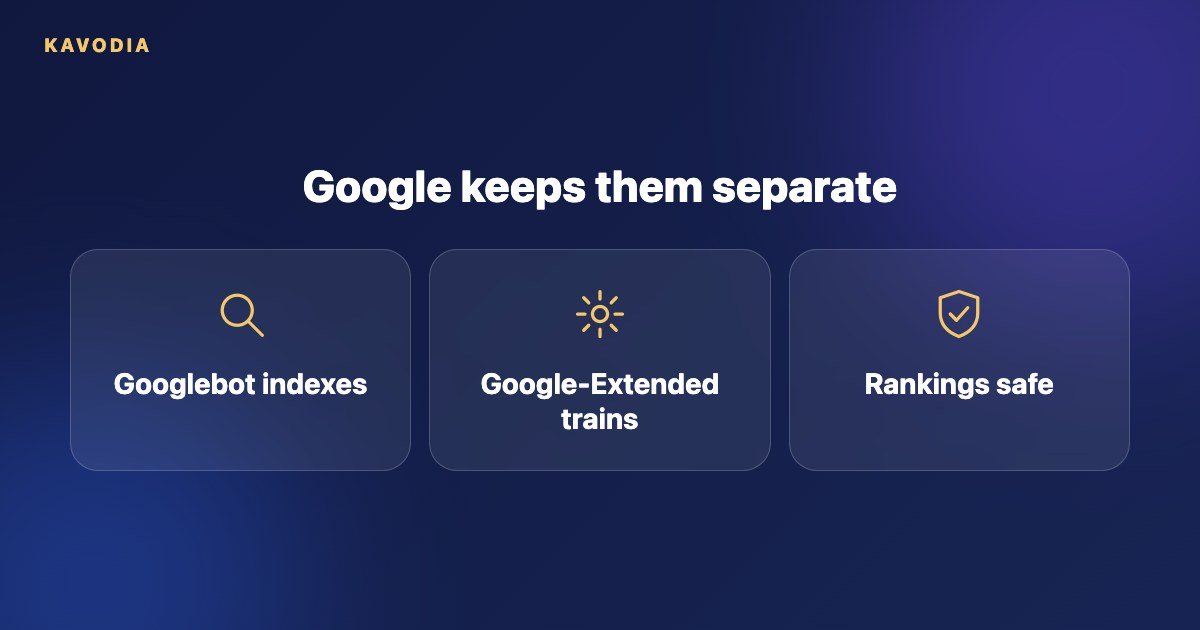
No. Google uses Googlebot for search indexing and a completely separate token, Google-Extended, for AI model training. According to Google's official crawlers documentation, blocking Google-Extended does not impact a site's inclusion, indexing, or ranking in Google Search. The two systems are independent.
I recommend you test this yourself. Add the Google-Extended block, then monitor your Google Search Console crawl stats for two weeks. You will see zero change in Googlebot's behavior. The distinction matters because many site owners avoid blocking anything out of fear. That fear is misplaced.
Bing follows the same logic. Bingbot handles search indexing. Microsoft uses a different system for its Copilot training data. Blocking AI training crawlers leaves your search traffic untouched.
What Is the Difference Between AI Training Bots and AI Search Bots?
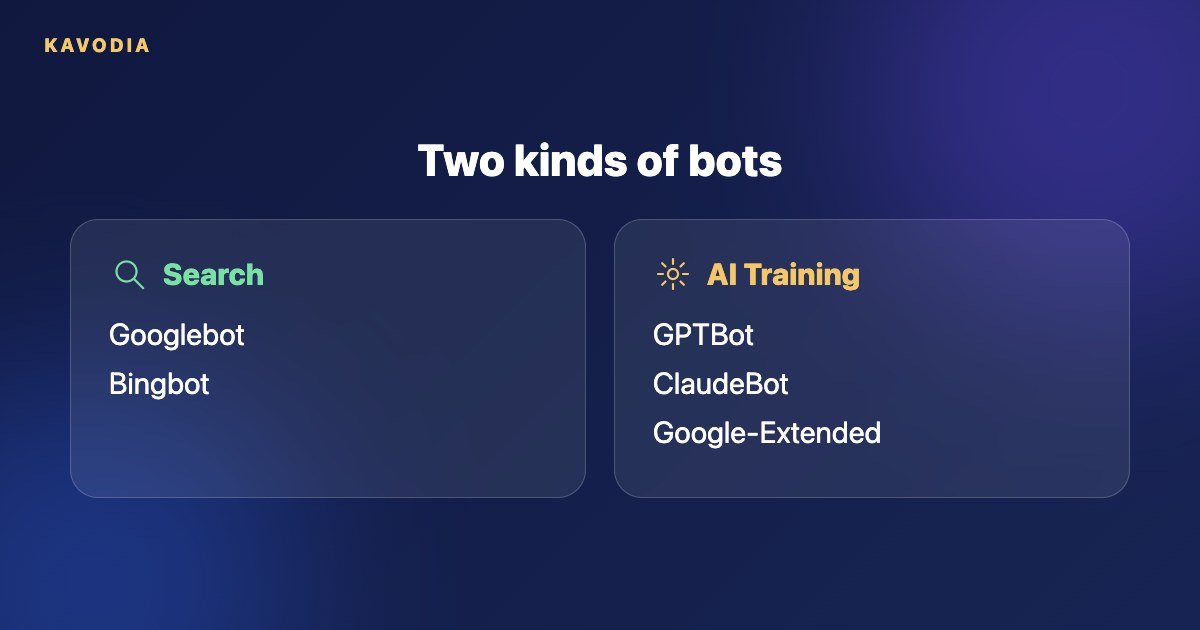
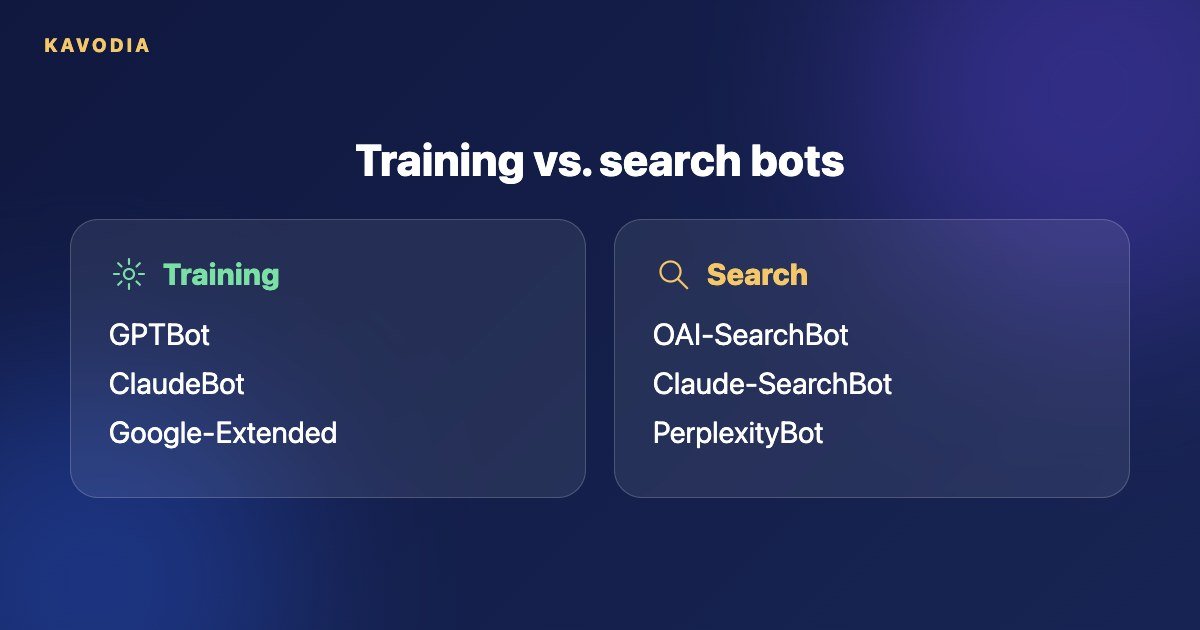
AI companies often run two types of crawlers. Training bots collect data to build foundation models. Search bots retrieve live results so an AI assistant can cite your page during a conversation. According to OpenAI's bots documentation, GPTBot handles training while OAI-SearchBot handles search citations. Allowing or disallowing one does not affect the other.
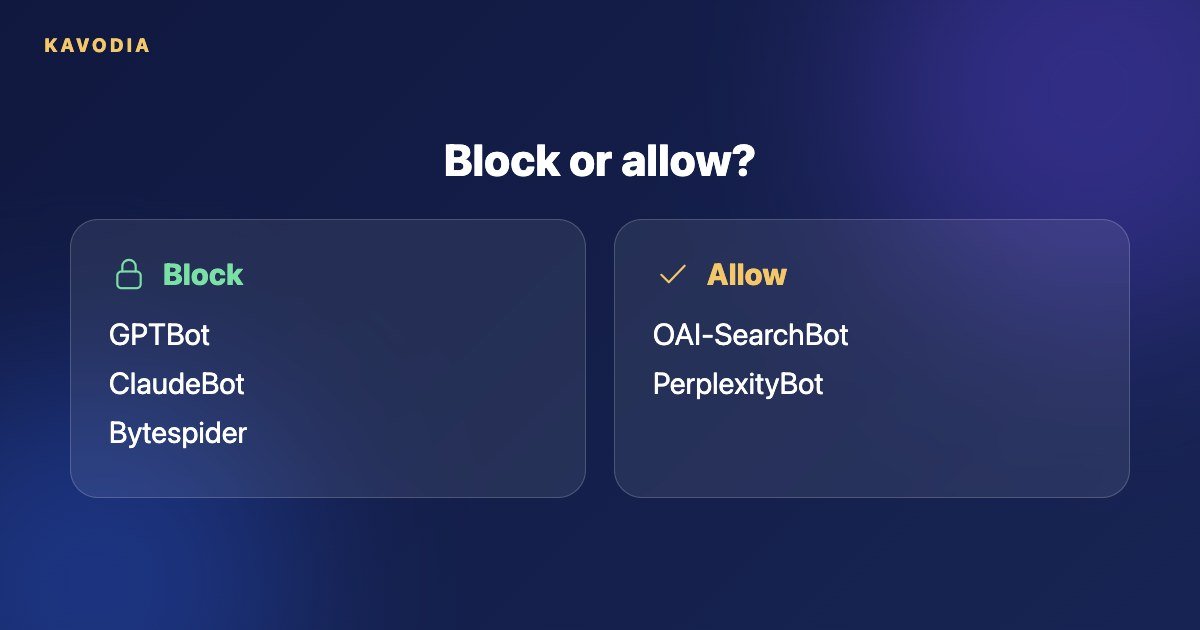
This is a strategic decision. If you block OAI-SearchBot, your pages will not appear when someone asks ChatGPT a question and it searches the web. If you allow it, ChatGPT can cite your page and send traffic your way. I suggest allowing AI search bots while blocking training bots. You protect your content and still gain visibility.
Anthropic follows a similar model with ClaudeBot for training and Claude-SearchBot for retrieval. Google separates Googlebot from Google-Extended. Each company keeps the two roles apart.
Which AI Crawlers Should You Block?
Here is a list of the main AI training crawlers to block in your robots.txt file. Each one is operated by a major AI company and respects robots.txt rules.
- GPTBot, operated by OpenAI, used to train GPT models
- ClaudeBot, operated by Anthropic, used to train Claude models
- Google-Extended, operated by Google, used to train Gemini models
- CCBot, operated by Common Crawl, used to build open training datasets
- Meta-ExternalAgent, operated by Meta, used for AI model training
- Applebot-Extended, operated by Apple, used for Apple Intelligence training
- Bytespider, operated by ByteDance, used to train AI products
And here are the AI search and retrieval bots you may want to keep allowed so your site appears in AI-driven search answers.
- OAI-SearchBot, operated by OpenAI, surfaces your content in ChatGPT search
- PerplexityBot, operated by Perplexity, cites your pages in Perplexity answers
- Claude-SearchBot, operated by Anthropic, retrieves content for Claude search
I keep the search bots allowed on my own sites. The referral traffic they bring is worth the access. You can always change your mind later. Changes take about 24 hours to propagate, according to OpenAI.
How Do You Write the Robots.txt Rules?
Place the following rules in the robots.txt file at the root of your domain. The file must be accessible at yoursite.com/robots.txt. Each AI crawler gets its own User-agent block followed by Disallow to block it or Allow to permit it.
A production-ready example looks like this.
- User-agent: GPTBot, Disallow: /
- User-agent: ClaudeBot, Disallow: /
- User-agent: Google-Extended, Disallow: /
- User-agent: CCBot, Disallow: /
- User-agent: Meta-ExternalAgent, Disallow: /
- User-agent: Applebot-Extended, Disallow: /
- User-agent: Bytespider, Disallow: /
- User-agent: OAI-SearchBot, Allow: /
- User-agent: PerplexityBot, Allow: /
- User-agent: Claude-SearchBot, Allow: /
- User-agent: Googlebot, Allow: /
- User-agent: Bingbot, Allow: /
Each User-agent line must be on its own line in the file, followed by the Disallow or Allow line directly below. Do not group multiple user agents on a single line. A crawler that matches a specific User-agent block ignores the general wildcard block entirely.
At the very end, add your sitemap reference. This helps search engines find all your pages. Write it as Sitemap: https://yoursite.com/sitemap.xml on its own line.

What Mistakes Should You Avoid?
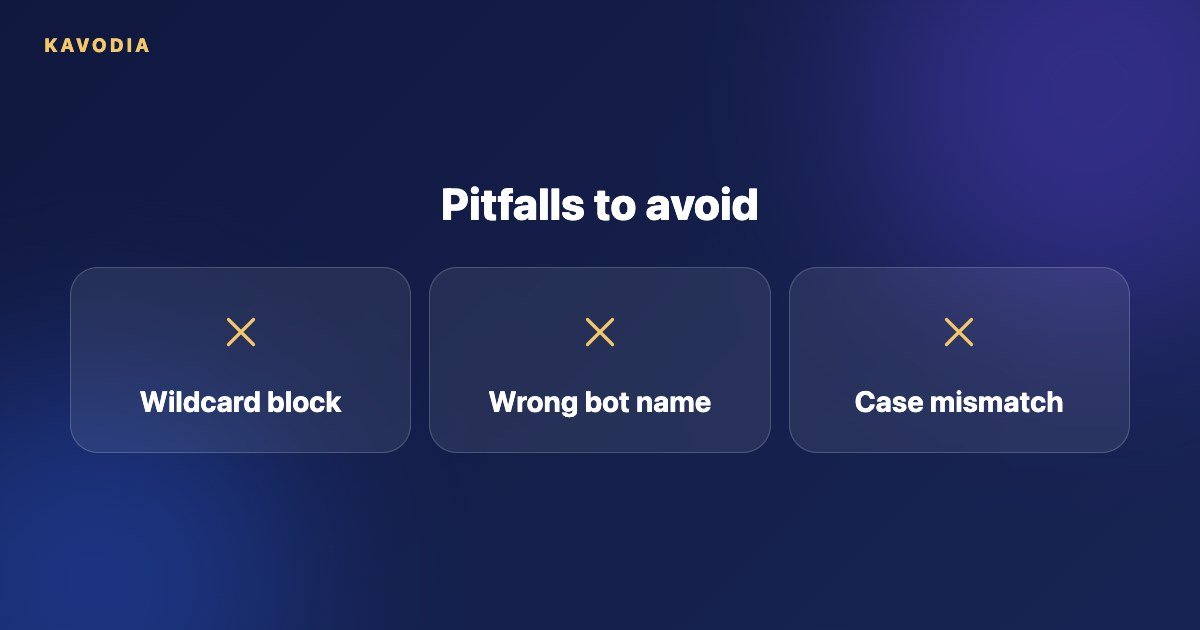
The most common mistake is using a blanket wildcard block. If you write User-agent: * followed by Disallow: /, you block every crawler, including Googlebot. Your site disappears from Google Search results. Always name specific AI training user agents instead.
Another mistake is blocking AI search bots by accident. If you block OAI-SearchBot along with GPTBot, your site will not appear in ChatGPT search results. That costs you referral traffic for no benefit.
A third mistake is forgetting case sensitivity. User-agent tokens should match the provider's official casing. Write GPTBot, not gptbot. Most parsers handle variations, but matching exactly avoids surprises.
Imagine you manage a small e-commerce store. You copy a robots.txt example from a forum that uses User-agent: * with Disallow: /. Within days, Google stops crawling your product pages. Your organic traffic drops to zero. The fix takes minutes, but the recovery takes weeks.
How Do You Verify Your Rules Are Working?
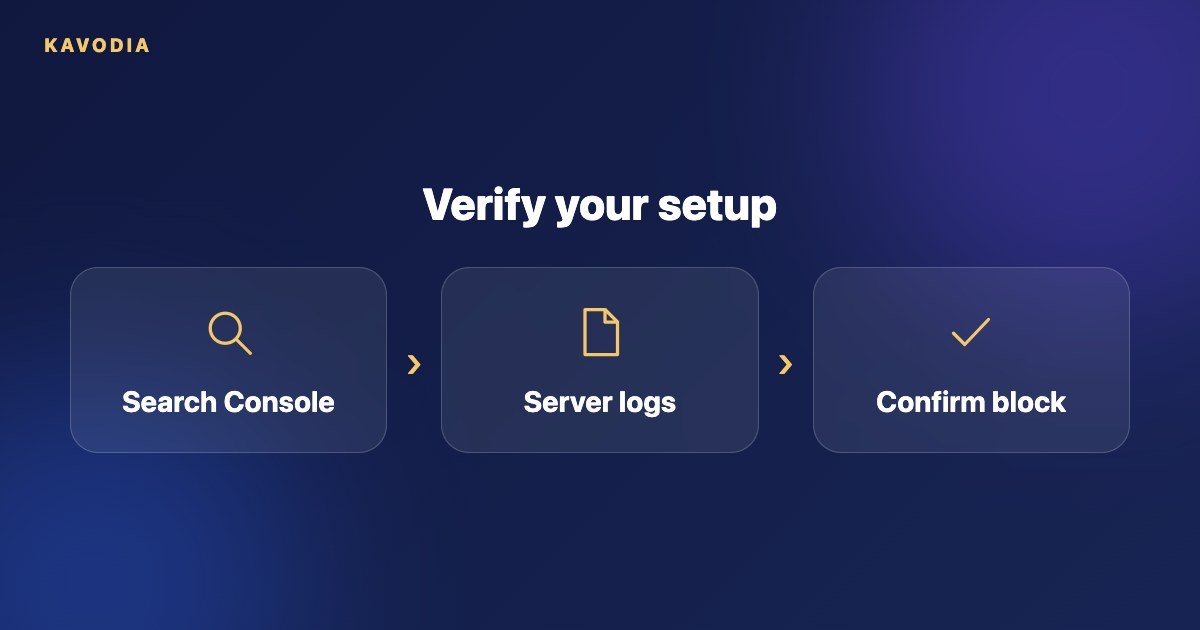
After updating your robots.txt file, open Google Search Console. Use the URL Inspection tool to confirm that Googlebot still has full access to your pages. You can also check the Crawl Stats report to monitor crawling frequency over the next one to two weeks.
For AI bots, check your raw server access logs. Look for requests from GPTBot or ClaudeBot user-agent strings. If you see them returning 200 after you published your block, something is wrong. Most likely, your server is caching an older version of the robots.txt file.
I also recommend testing from a separate browser. Fetch your robots.txt file directly by visiting yoursite.com/robots.txt. Read the file line by line. Confirm that every AI training bot has a Disallow: / entry and that Googlebot has Allow: /.
Let's take an example. You add the rules, then check Search Console 48 hours later. Googlebot is still crawling 200 pages per day, same as before. Meanwhile, your server logs show GPTBot requests now return a 403 status. That confirms the setup works.
Should You Also Use CDN or Firewall Controls?
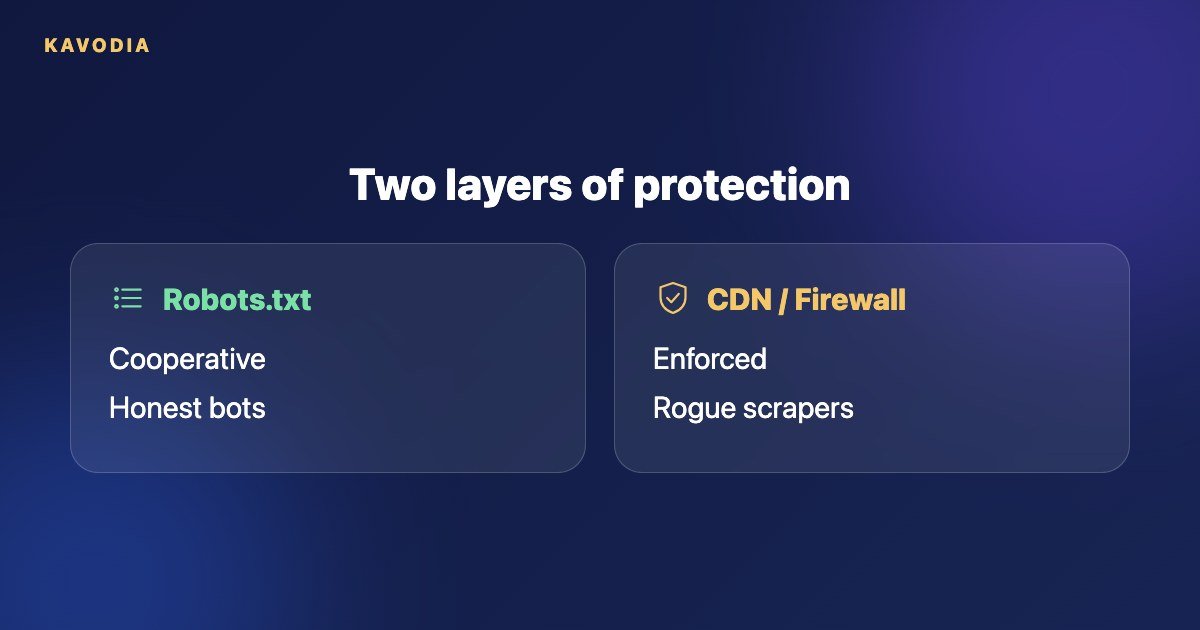
Robots.txt is a cooperative standard. Reputable companies like OpenAI and Google honor it. But robots.txt is not a firewall. Rogue scrapers and unauthorized bots can ignore it entirely. If you need stronger protection, add a layer at the CDN or firewall level.
Cloudflare offers an AI Audit feature and automated bot management tools. These let you challenge or block known AI scrapers at the network edge, before requests reach your server. You can toggle them from your Cloudflare dashboard without editing any file.
Other CDN providers offer similar features. If you use Vercel, Netlify, or a custom Nginx setup, you can write rules that check the User-agent header and return a 403 for known training bots. This adds enforcement on top of robots.txt.
I consider CDN-level blocking essential for sites with high-value original content. Robots.txt covers the honest actors. A firewall rule covers the rest.
What Is the New IETF Shared Signal for AI Training?
On October 30, 2026, OpenAI, Google, Microsoft, and Anthropic announced support for a shared robots.txt signal to simplify AI training preferences. The initiative comes from the IETF AI Preferences (AIPREF) working group. It proposes a single policy token called __usage_ai-training.
According to the IETF Internet-Draft (draft-kelley-aipref-training-preference-signal-00, published October 30, 2026), the token uses standard robots.txt syntax. No new grammar is needed. A site adds User-Agent: __usage_ai-training followed by Disallow: / to opt out of training across all participating providers at once.
This replaces the current approach of listing every AI crawler individually. One line covers OpenAI, Google, Anthropic, and Microsoft. The signal only governs AI model training. It does not affect search indexing or crawling.
Google plans to support the token in early 2027. Microsoft announced support starting February 1, 2027. OpenAI and Anthropic plan support in the coming months. Until then, keep your individual crawler rules in place. You can add the shared token alongside them once providers begin honoring it.
Imagine managing 15 company websites. Keeping seven individual User-agent blocks updated on all 15 sites is tedious. The shared token lets you write one block and cover every participating provider. That is a major time saver for agencies and multi-site businesses.
Can You Block AI Training on Only Part of Your Site?
Yes. Robots.txt supports path-based rules. Instead of Disallow: /, you can write Disallow: /blog/ to block AI training only on your blog section. Or you can write Allow: /press-kit/ to let AI models train on your press releases while blocking everything else.
This is useful if you publish both public resources and premium content. You might want AI models to know about your product features (so they can recommend you) but keep your detailed guides or proprietary research off-limits.
The IETF shared token also supports path matching. You can write User-Agent: __usage_ai-training followed by Disallow: / and then Allow: /press-kit/. The most specific path wins, following standard robots.txt precedence defined in RFC 9309.
Let's take an example. A SaaS company wants its pricing page and feature list in AI answers but blocks its entire knowledge base. It writes Disallow: /knowledge-base/ under each AI training bot while leaving the rest accessible.

How Does Robots.txt Compare to Meta Tags and HTTP Headers?
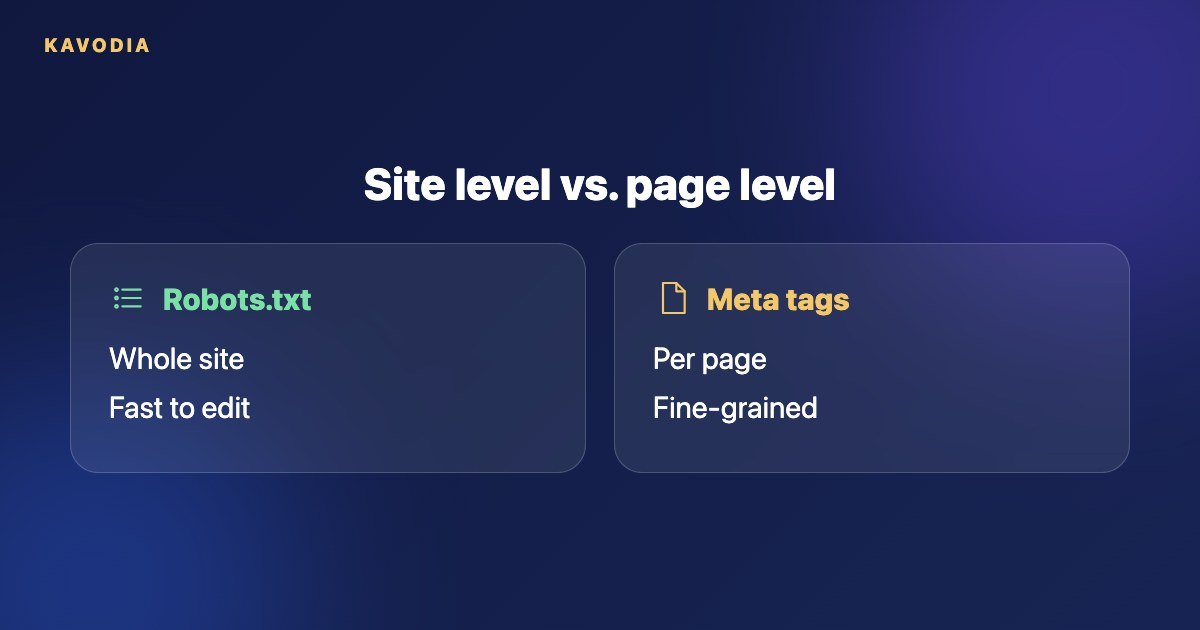
Robots.txt works at the site level. It tells crawlers which paths they can or cannot visit. Meta tags and HTTP headers work at the page level. They tell crawlers what to do with a page after they visit it.
The meta tag approach uses a tag placed inside the HTML head section of each page. Google supports noindex to remove a page from search results and nosnippet to prevent snippets. These tags affect search behavior, not AI training directly.
For AI training, the most reliable approach remains robots.txt combined with the User-agent tokens for each AI provider. Meta tags and HTTP headers can supplement robots.txt for fine-grained control, but they do not replace it.
Imagine a news site with 10,000 articles. Adding a meta tag to every page is impractical. Updating robots.txt takes two minutes. For most sites, robots.txt is the right starting point.
FAQ
Do I need to block every AI crawler individually?
For now, yes. Each AI company uses its own user-agent token. You must add a separate User-agent block for each one in your robots.txt. The IETF shared signal (__usage_ai-training) will simplify this once providers adopt it, which Google and Microsoft plan for early 2027.
Will blocking AI bots remove my site from ChatGPT search?
Only if you block OAI-SearchBot. Blocking GPTBot alone stops OpenAI from training on your content. OAI-SearchBot is a separate crawler that handles live search citations. If you allow it, your site can still appear in ChatGPT search answers.
How long do robots.txt changes take to apply?
According to OpenAI, changes to robots.txt typically take about 24 hours for their systems to process. For Googlebot, updates are usually picked up within a few hours, but monitoring for one to two weeks in Search Console is a good practice.
Does Cloudflare's AI blocker replace robots.txt?
No. Cloudflare's AI Audit and bot management tools add a second layer of enforcement at the network edge. I recommend using both. Robots.txt handles compliant crawlers. Cloudflare catches scrapers that ignore robots.txt entirely.
Can I allow AI training on some pages and block it on others?
Yes. Robots.txt supports path-based rules. Write Disallow: /private/ to block specific directories while allowing everything else. The most specific matching rule wins, following the precedence rules defined in RFC 9309.